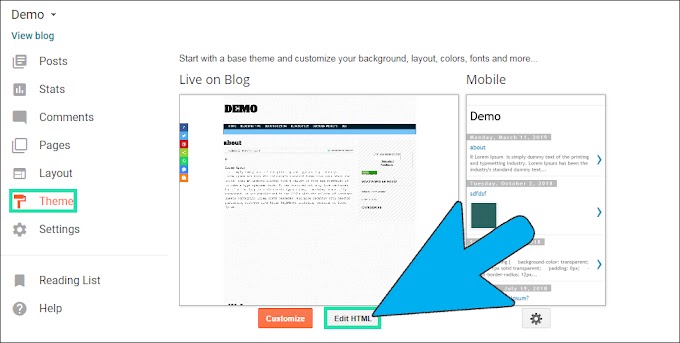
Welcome to the Tutbig Blogger tutorial today I will show you How to Add Download link in Blogger blog with pictures. If we share Data Files on Blogger blog like word document, pdf file, Mp3 Songs, Images, Movies, Videos Songs, Software to download for users then we use download links, so here we add download link in Blogger.
Step 1: Go to Blogger Posts and select the post which you add download link.

Step 2: Here write & select Text which you make a Hyperlink and click a Link Option in a Header Menu.

Step 3: Now Appear a box Paste the URL and click Ok button.
 Step 4: Go to your Blogger Blog.
I hope you enjoy this Post.How to Add Download link in Blogger

I hope you enjoy this Post.How to Add Download link in Blogger