Create Blogger Profile Step By Step Tutorial | welcome to the Tutbig Blogger tutorial today I will show you how to create blogger profile Make Blogger Profile. If we are going to hide my Google+ profile and my name in Blogger blog then we create the Blogger profile, So today we learn about how to create Blogger profile.
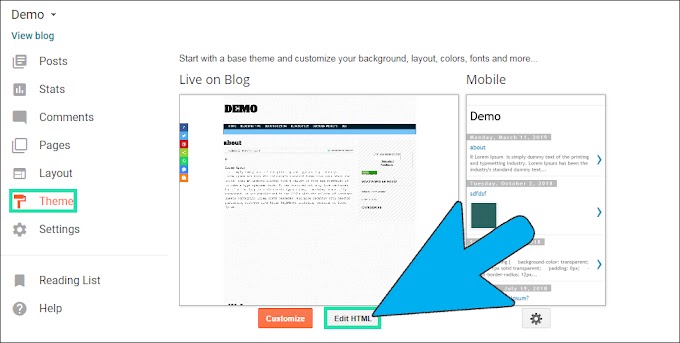
Step 1: Go to Blogger Settings and click User settings link then click Blogger radio button in User Profile area.

Step 2: We click Switch to a limited Blogger profile orange button.

Step 3: Type Your Name and i m typing " Admin " then click Continue to Blogger orange button.

I hope you enjoy this Post.Create Blogger Profile Step By Step Tutorial